© Brighteon.com All Rights Reserved. All content posted on this site is commentary or opinion and is protected under Free Speech. Brighteon is not responsible for comments and content uploaded by our users.

Level up your Windows game with Microsoft PowerToys! Explore these free, powerful tools that boost productivity, streamline your workflow, and make Windows 10 & 11 faster, smarter, and more efficient. Completely free to download and use!
Get PowerToys from the Microsoft Store
https://apps.microsoft.com/detail/xp89dcgq3k6vld?hl=en-US&gl=BD
Get PowerToys from GitHub
https://github.com/microsoft/PowerToys
#powertoys #powertoystutorial #powertoyswindows #powertoysfeatures #powertoysmicrosoft #powertoys2025 #powertoysinstall #advancedpaste #alwaysontop #awake #colorpicker #cropandlock #fancyzones #filelocksmith #findmymouse #imageresizer #keyboardmanager #mouseutilities #peek #powerrename #powertoysrun #quickaccent #screenruler #shortcutguide #textextractor #workspaces #zoomit #windows10 #windows11 #microsoft #geekyhacks #ai #tech #computer #pc #tipsandtricks
0:00- Intro/Explanation
0:57- How to Download and Install PowerToys
3:36- Advanced Paste
10:23- Always on Top
12:46- Awake
15:23- Color Picker
18:21- Crop and Lock
20:32- FancyZones
25:06- File Locksmith
26:33- Mouse utilities
28:59- Image Resizer
31:23- Keyboard Manager
34:06- Peek
35:59- Power Rename
41:30- PowerToys Run
42:43- Quick Accent
43:55- Screen Ruler
45:53- Shortcut Guide
46:58- Text Extractor
48:21- Workspaces
50:42- ZoomIt
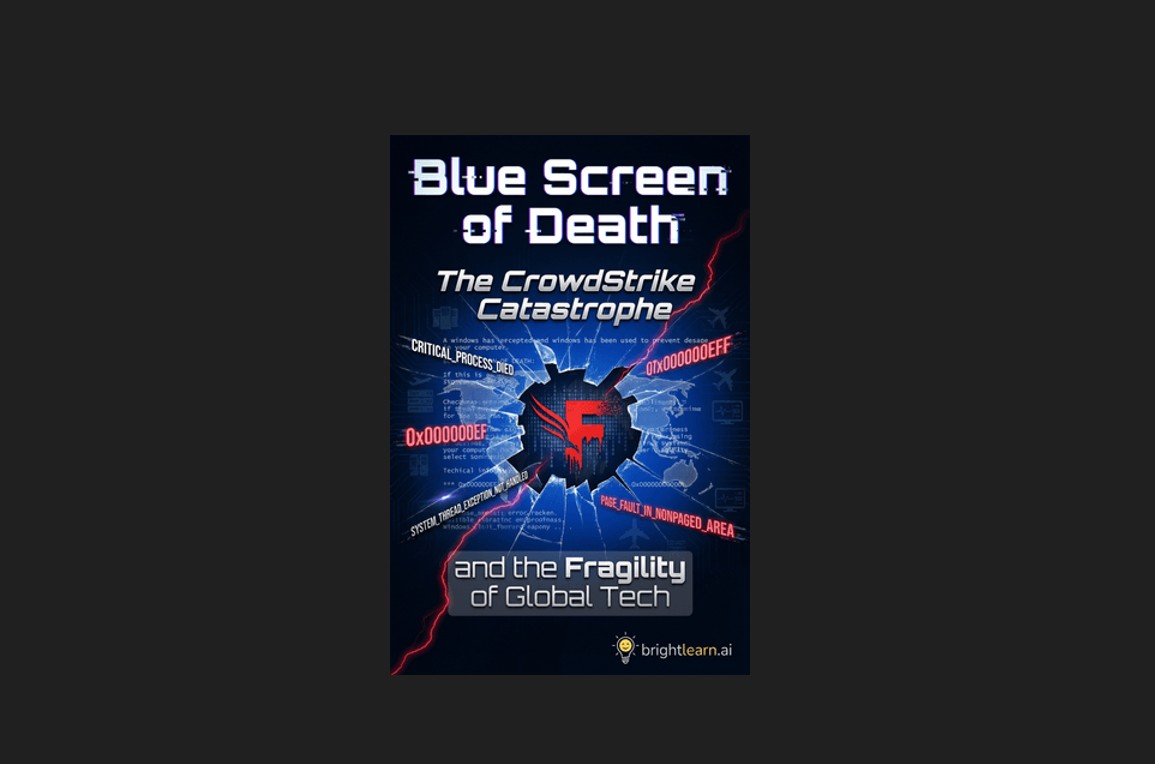
Blue Screen of Death: How CrowdStrike’s global meltdown exposed the deadly flaws of centralized control
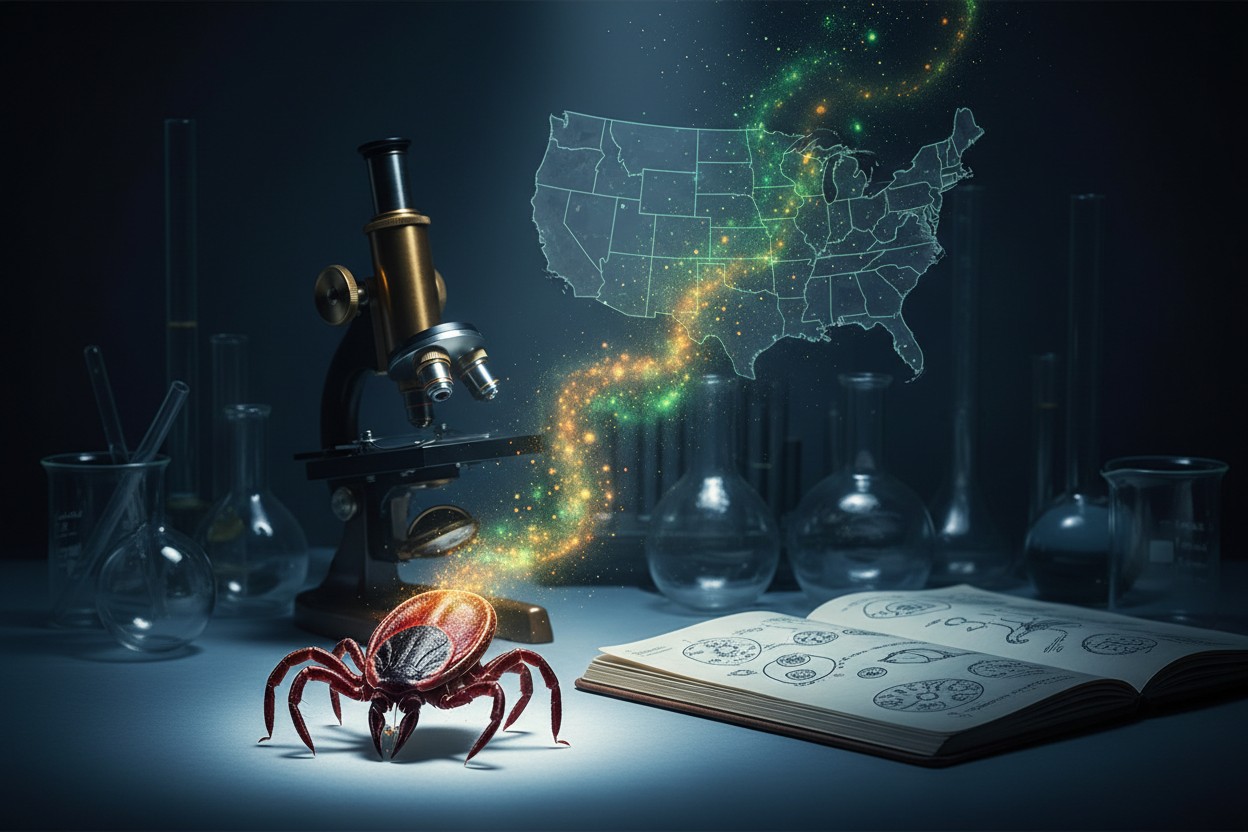
CIA’s Cold War Tick Experiments Examined Following New Allegations Linking Them to Lyme Outbreak
The longevity molecule: How a common amino acid could rewrite the rules of aging
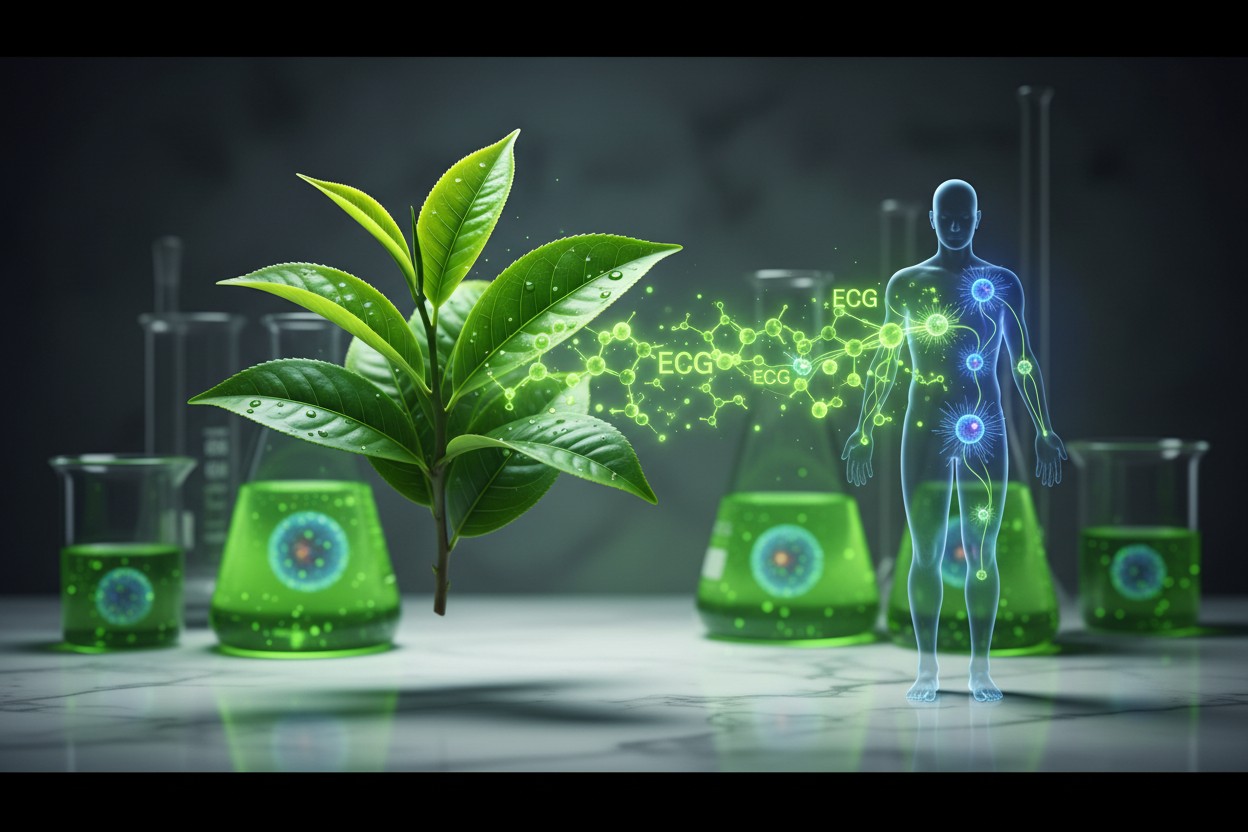
Study Reviews Potential Immune System Effects of Green Tea Consumption
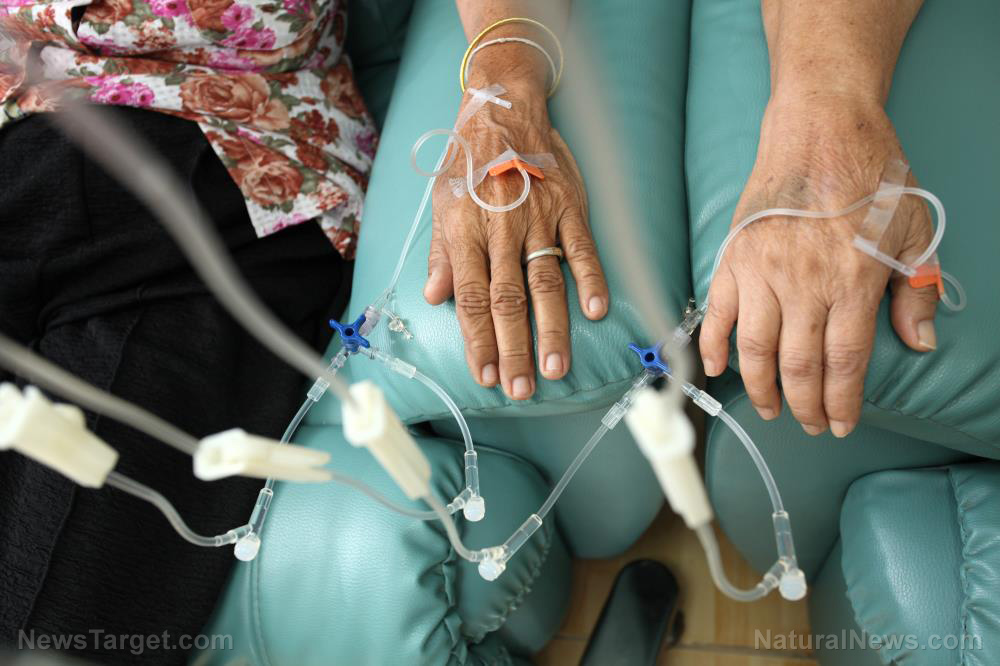
Declassified CIA files reveal Cold War-era Soviet research linking parasites to cancer treatment
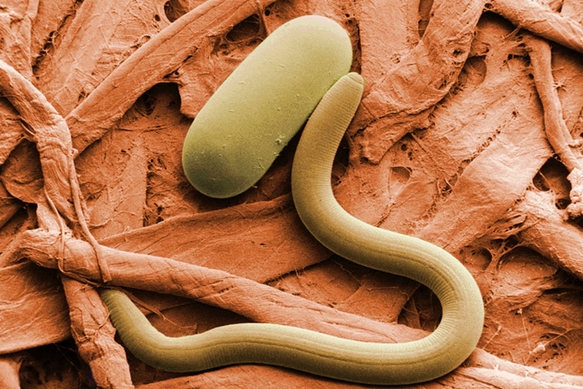
“A.G.E.S. Fall Conference” on BrightU: Exposing the dermatology cover-up about rosacea
