© Brighteon.com All Rights Reserved. All content posted on this site is commentary or opinion and is protected under Free Speech. Brighteon is not responsible for comments and content uploaded by our users.

How to record mouse clicks sounds for videos.
Download here:
https://www.dropbox.com/s/dgwccoqdcg9vh88/Mouse-click-sounds.zip?dl=0
(click the download button)
On request I also added code and files for middle mouse clicks and scrolling.
https://www.autohotkey.com/
Someone tried to record click sounds together with a game and it didn't work until he ran AutoHotkey as Administrator and ran the game borderless or windowed.
https://www.audacityteam.org/
(audio editing)
https://alternativeto.net/
(Search for: "screen recording" software)
I like using a custom scale factor (which is an option in Windows) when doing screen recordings since scaling makes it much easier for the viewer to see everything. The resolution i used is 1920x1080. Recording in 60fps is better than 30fps if you want to have the mouse cursor move smooth in your video. Even when you convert or export a 60fps recording back to 30fps with your video editor it looks better than when it was recorded in 30fps to start with, which is what I did for this video.
Music: https://www.bensound.com/
Background mouse model: Brad Pitt
-

Shadow government exposed: DHS Secretary Noem reveals deep state spies, Wuhan collusion, and ongoing bioweapons cover-up
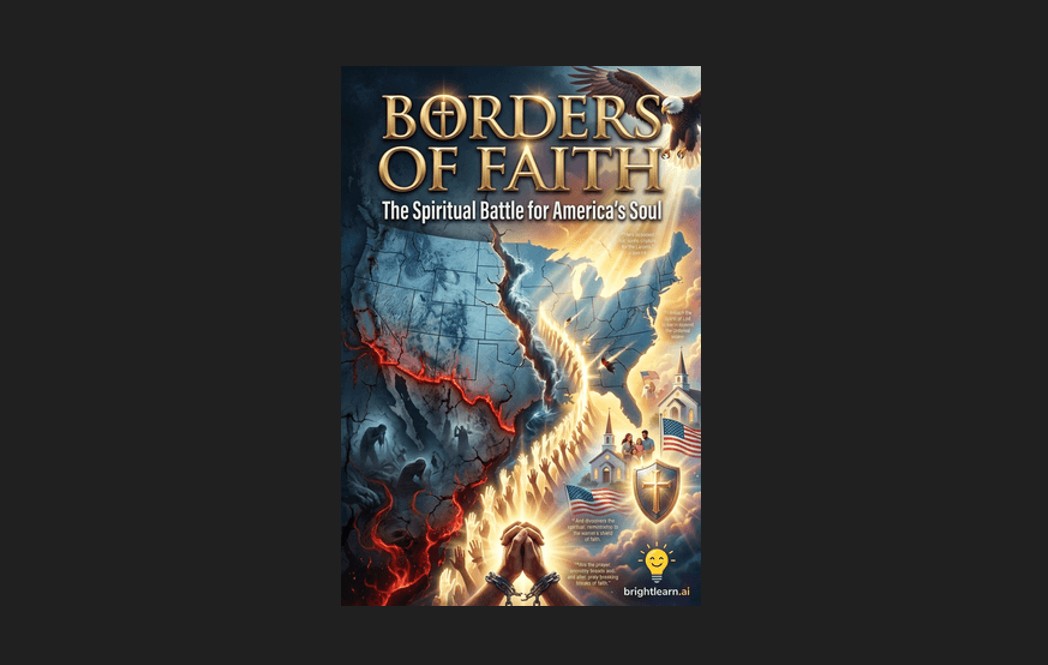
Borders of Faith: A call to arms against globalist tyranny

Israel used hacked traffic cameras and AI to assassinate Iran’s Supreme Leader, report reveals
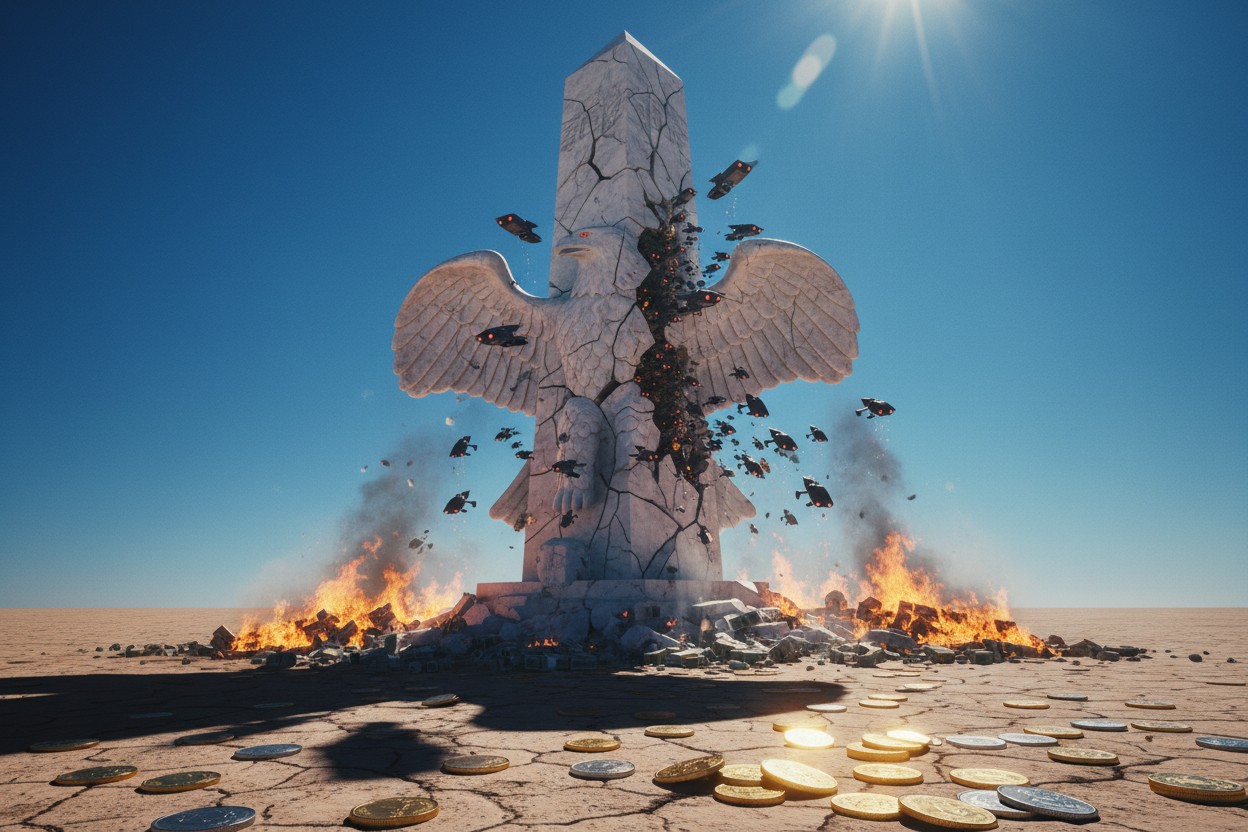
The Final Chapter: How Trump’s Ill-Fated War with Iran Dooms the American Empire
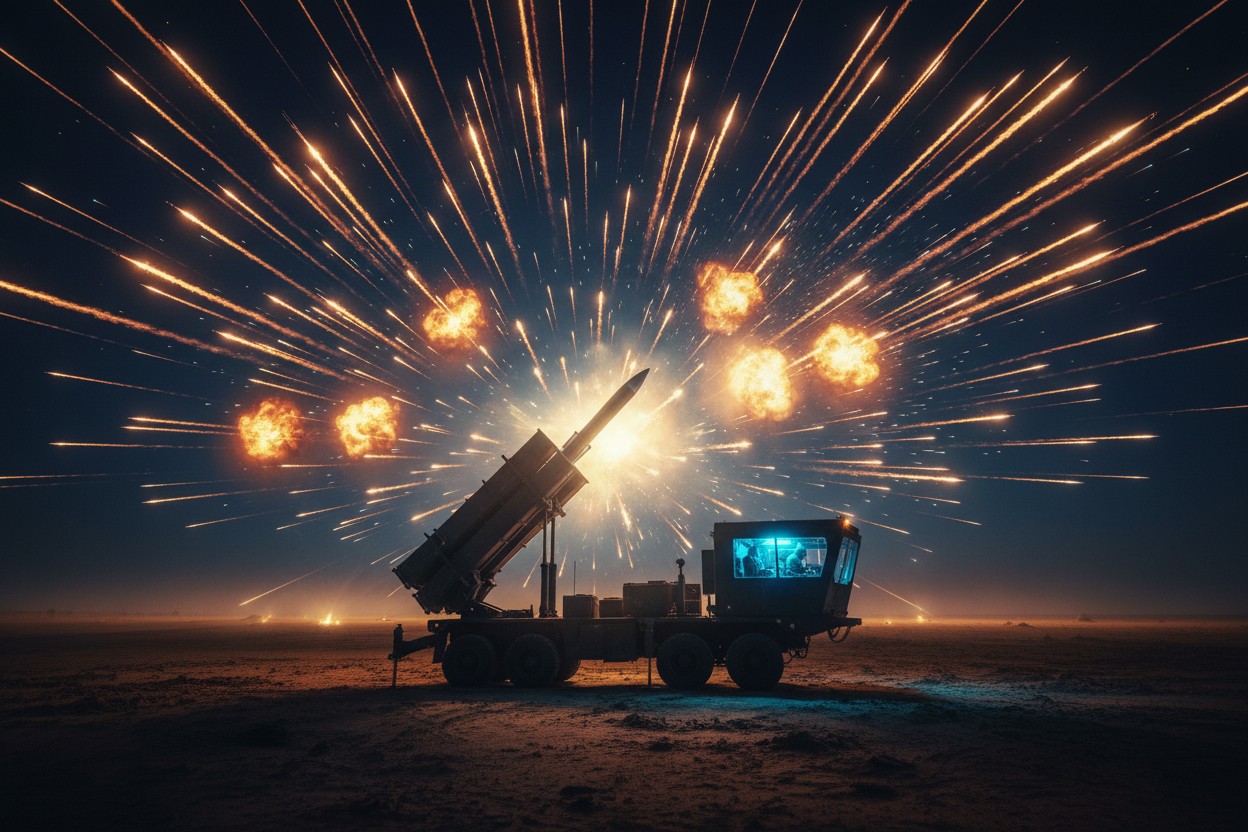
U.S. Facing Critical Shortage of Air Defense Munitions as Iran Pounds Regional Bases

The Final Debasement: Operation Epic Fury Triggers Economic Collapse as Globalist Wars Destroy Your Savings
