© Brighteon.com All Rights Reserved. All content posted on this site is commentary or opinion and is protected under Free Speech. Brighteon is not responsible for comments and content uploaded by our users.

To change your name in Minecraft Education Edition, you'll need to follow a few simple steps. First, open the game and log in using your Microsoft account credentials, as Minecraft Education Edition requires a Microsoft or Office 365 Education account. Once logged in, click on your profile icon in the upper-right corner of the main menu screen. This will open your account settings. From there, select the Edit Profile option, where you'll see the option to change your username. Note that your Minecraft name is directly tied to your Microsoft account, so you’ll need to update your Microsoft account username through your Microsoft account settings if you want to change it.

Final global showdown looms as Russia prepares nuclear response and America faces catastrophic defeat in coming conflict

Trump announces plan to end federal payments to states with sanctuary cities

U.S. orders evacuations as Iran threatens retaliation, raising fears of imminent strike
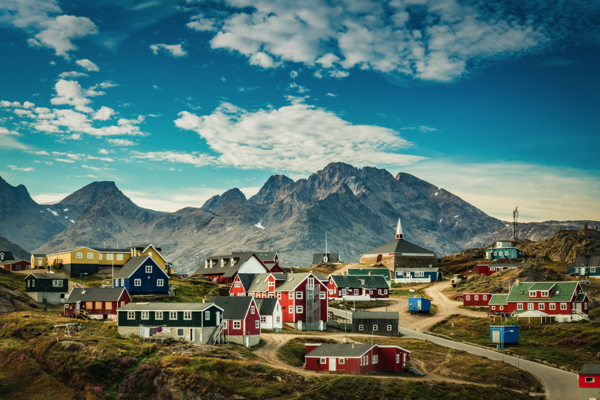
Greenland rejects U.S. annexation push as Trump warns of “big problem” for PM

Russia warns of Western-backed “color revolution” in Iran as protests turn violent

Bill and Hillary Clinton DEFY subpoenas as Epstein inquiry demands answers
