© Brighteon.com All Rights Reserved. All content posted on this site is commentary or opinion and is protected under Free Speech. Brighteon is not responsible for comments and content uploaded by our users.
Mike Adams on Greg Caton's illegal FDA Kidnapping

1 follower
Follow
2
Download MP3
Share
Report
243 views • March 01, 2024
Originally on the Greg Caton channel.
If you have trouble with the sound playing twice, creating an echo, and you are using Google Chrome, add the extension "Autoplaystopper" available from: google.chrome.com/webstore
This fixed it for me by turning Autoplay off. This way you can start either the video or the audio, without them both starting at once.
Keywords
FREE email alerts of the most important BANNED videos in the world
Get FREE email alerts of the most important BANNED videos in the world that are usually blacklisted by YouTube, Facebook, Google, Twitter and Vimeo. Watch documentaries the techno-fascists don't want you to know even exist. Join the free Brighteon email newsletter. Unsubscribe at any time. 100% privacy protected.
Your privacy is protected. Subscription confirmation required.
Recent News

The DEI Deception: Meritocracy under siege
Kevin Hughes

Saudi Arabia Announces Unilateral Cuts to Oil Production
Sterling Ashworth

U.S. preparing most intense strikes yet in campaign targeting Iran, Hegseth says
Laura Harris

Idaho moves to upend national same-sex marriage precedent
Willow Tohi
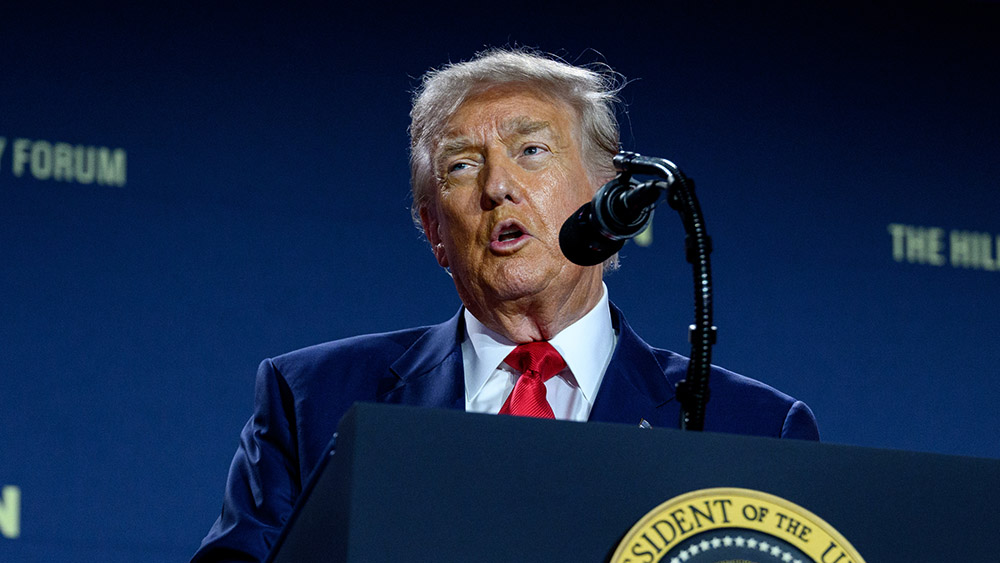
Erika Kirk, widow of slain activist Charlie Kirk, appointed to U.S. Air Force Academy advisory board
Laura Harris

New York bill proposes age checks for internet-enabled devices
Laura Harris
