© Brighteon.com All Rights Reserved. All content posted on this site is commentary or opinion and is protected under Free Speech. Brighteon is not responsible for comments and content uploaded by our users.
How to CREATE a 3D EFFECT in Canva
0 follower
Follow
0
Share
Report
11 views • September 20, 2022
Here's how to create a 3D effect in Canva, guys! Name it Pop-out, break-through, window-smash, with pixel stretch... whatever you call it, all these 3D photo effects are so catchy, we couldn't resist and had to show you how to create them easily with Canva! They are easy to make but note that in order to do this creative trick, you will need a Canva PRO account. A lot more to learn in Earning money online and getting free Secrets on the best Niche to work on with no money investment.https://bit.ly/3BXdaaf
Keywords
FREE email alerts of the most important BANNED videos in the world
Get FREE email alerts of the most important BANNED videos in the world that are usually blacklisted by YouTube, Facebook, Google, Twitter and Vimeo. Watch documentaries the techno-fascists don't want you to know even exist. Join the free Brighteon email newsletter. Unsubscribe at any time. 100% privacy protected.
Your privacy is protected. Subscription confirmation required.
Recent News

CDC under fire for withholding critical COVID vaccine data amid transparency concerns
Patrick Lewis
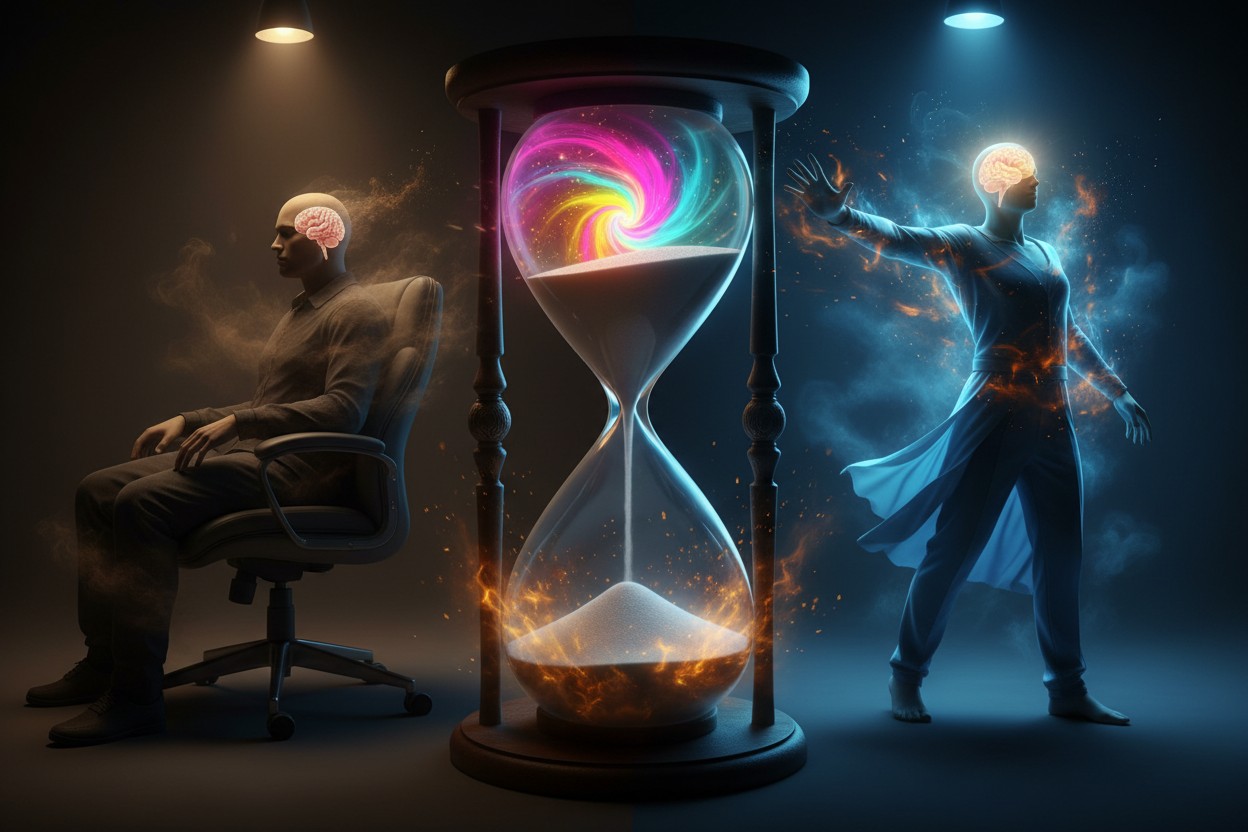
Study Links Prolonged Sitting to Increased Dementia Risk, Physical Activity and Sleep Found Protective
Morgan S. Verity

Cooking Once a Week Linked to Lower Dementia Incidence, Study Reports
Coco Somers

The silent threat in your food: Why testing for glyphosate is more critical than ever
HRS Editors

“Terrain: The Workshops” on BrightU: Why drinking water with meals is making you sick and fat
Jacob Thomas
High-Profile U.S. Scientists Reported Dead or Missing Over Three-Year Period
Edison Reed
